
Day of the Dead Border
About this design
Use this design to create your tarot deck.
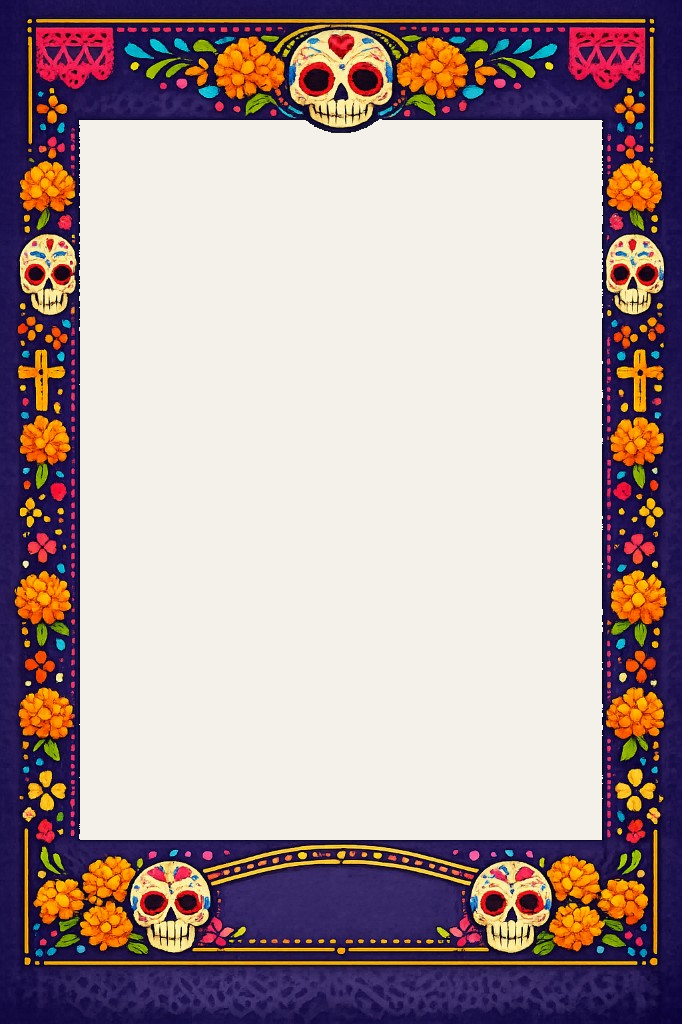
This vibrant Día de los Muertos tarot card border celebrates Mexican folk art tradition with intricately decorated sugar skulls (calaveras), brilliant orange marigold flowers (cempasúchil), festive papel picado banners in hot pink, golden crosses, and a rich deep purple background adorned with colorful confetti dots and turquoise leaves.
The joyful design features decorative banner spaces at the top and bottom perfect for card titles and meanings, while the generous central black area accommodates your custom artwork. Ideal for creating Day of the Dead tarot decks, ancestral oracle cards, cultural celebration materials, Mexican heritage projects, memorial cards, festival invitations, restaurant menus for Día de los Muertos events, altar decorations, or any project requiring an authentic, spirited aesthetic that honors the beautiful tradition of remembering loved ones with vibrant colors, marigolds, and the celebratory symbolism of life, death, and eternal memory.
Vibrant Día de los Muertos tarot border with sugar skulls, marigolds, and papel picado.
Perfect for:
- tarot decks
- oracle decks
- affirmation cards
- printable spiritual products
Create your tarot deck using this design
Free to preview. Pay only when you're ready.
- Print your deck (shipped to you)
- Or download your finished cards
How It Works
- Open this design in Studio
- Upload your artwork
- Preview your tarot deck
- Export your full deck when you're ready
Included with your export
- PNG border
- PSD layered file
- Canva compatible
- 70×120mm tarot card size
- 3mm bleed included
- Transparent artwork window
- Compatible with Canva and Photoshop
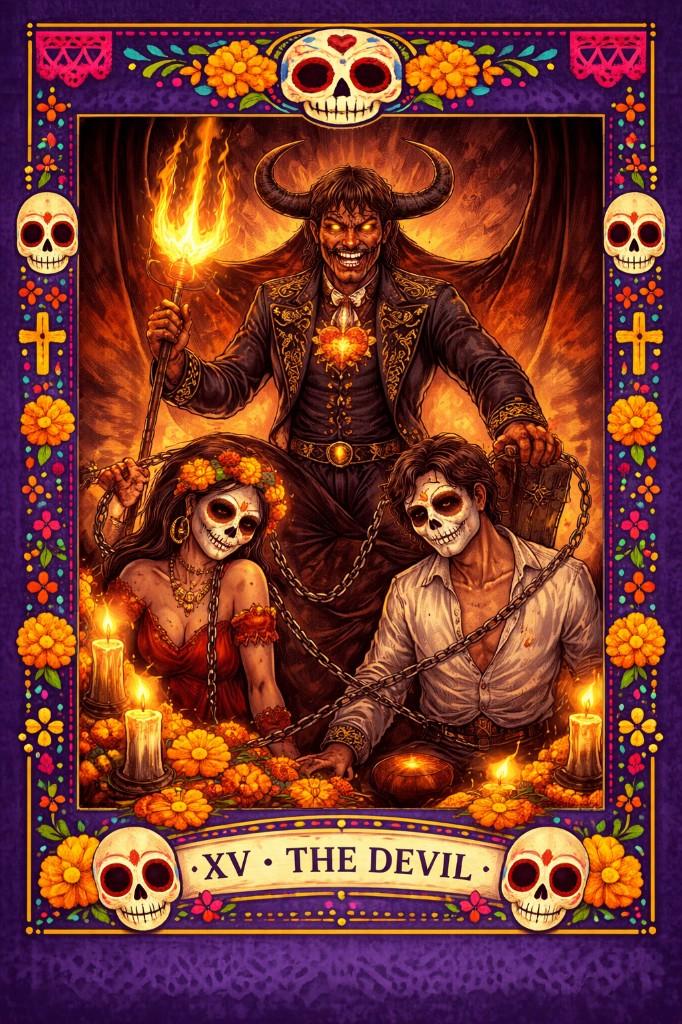
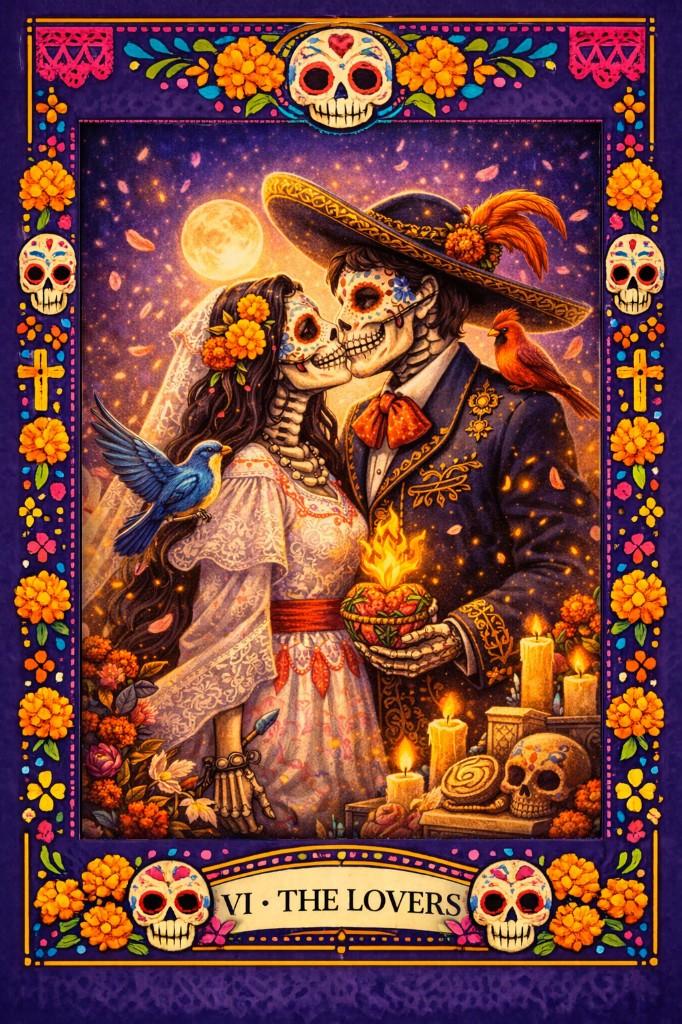
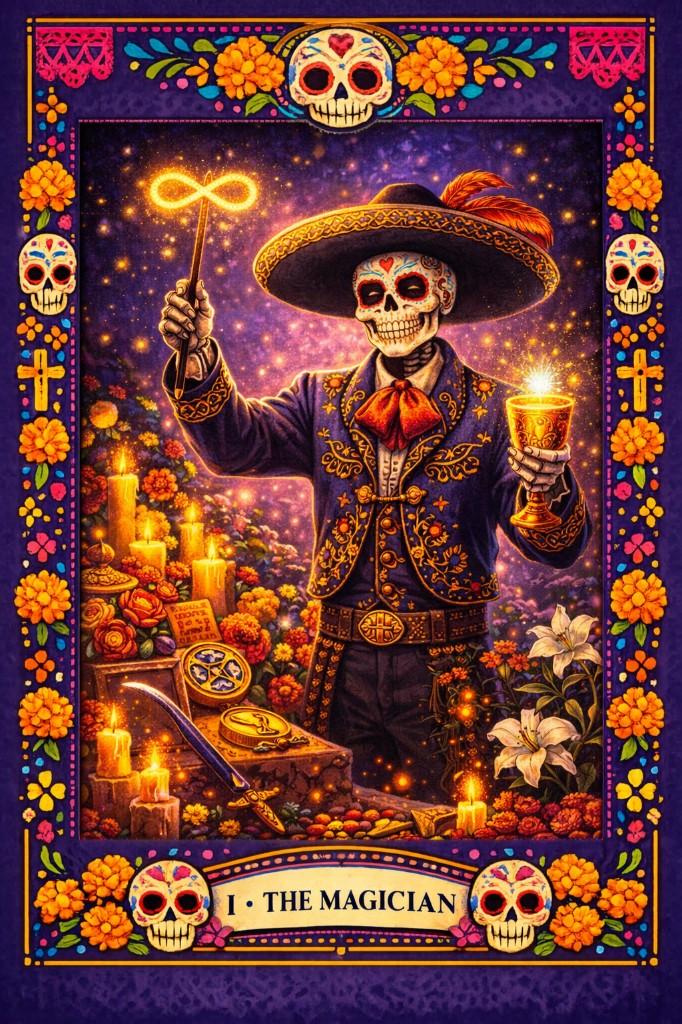
Example Tarot Cards Created With This Border
See how this border looks when used with finished tarot artwork.
You May Also Like
Learn How to Design Tarot Cards With This Border
Step-by-step guides to create your own tarot deck using this border style.
How to Create Tarot Cards in Canva
Read the tutorial →How to Design a Tarot Deck in Photoshop
Read the tutorial →